
Dropdtf guide
Can I use AI art for DTF transfers?
Yes, once the file is cleaned for film. An image from an AI model arrives on a background, with soft edges and faint pixels around it, and each of those prints. Dropdtf draws the art and does that cleaning before you download.
Describe your designOne sentence is enoughMake a designFree preview, no account. Pay only to download.
Before you start
- You need
- One sentence that describes the design.
- You get
- A transparent PNG with the edge cleaned for film, up to 2048 pixels.
- Time
- Usually under a minute.
- Cost
- The preview is free, five a day. The print file is one from a pack.
Step by step
- 01Pick a starting point that prints in solid ink.
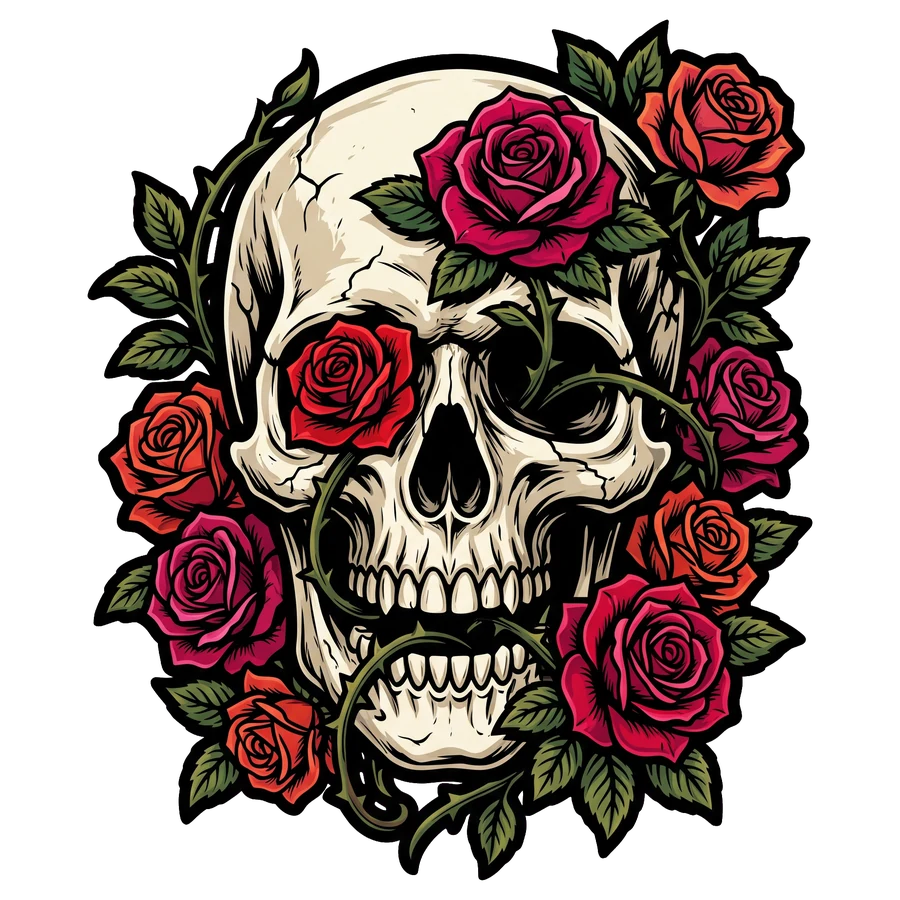
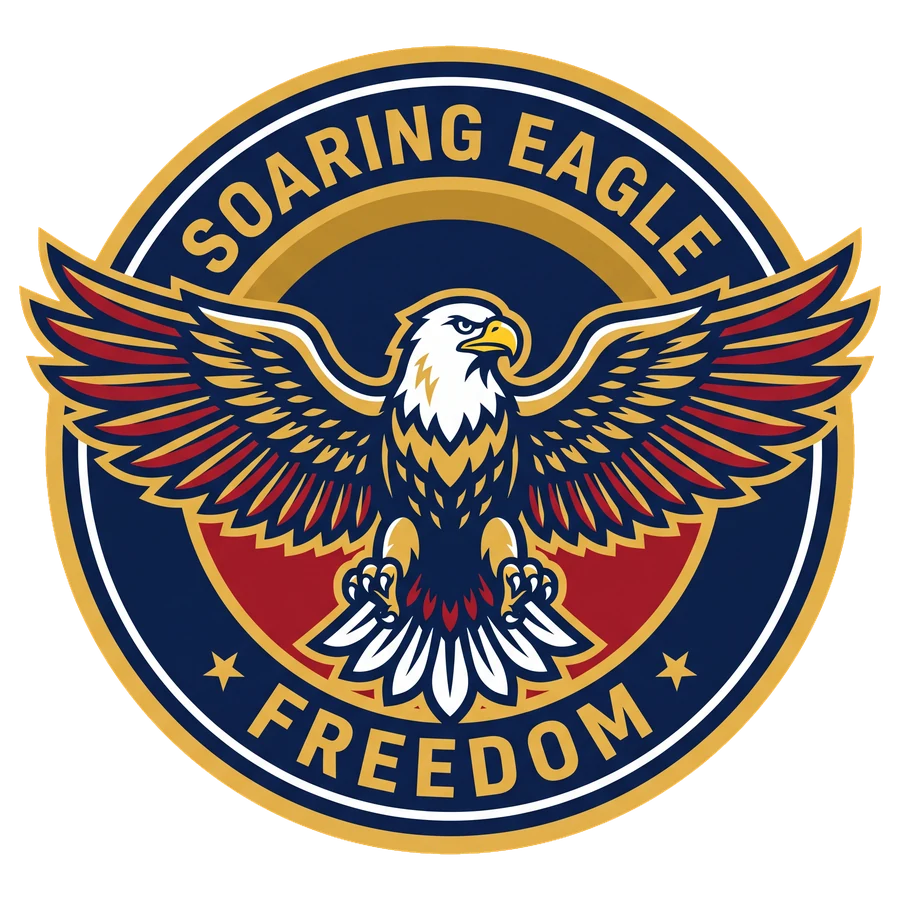
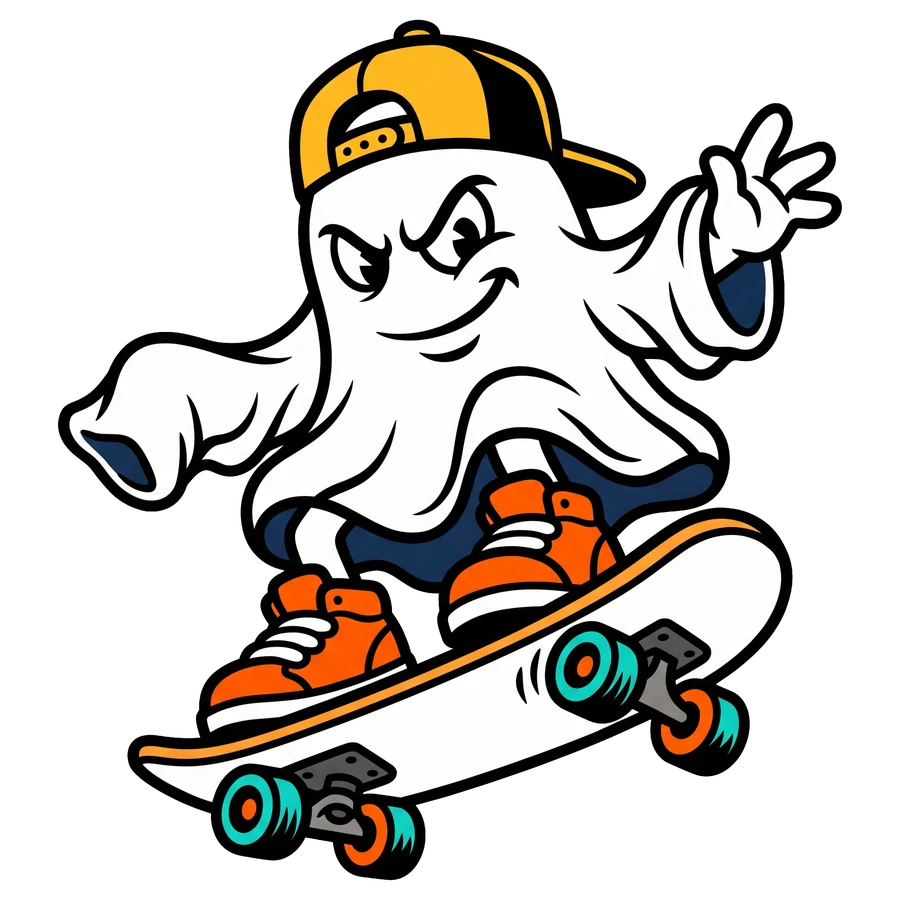
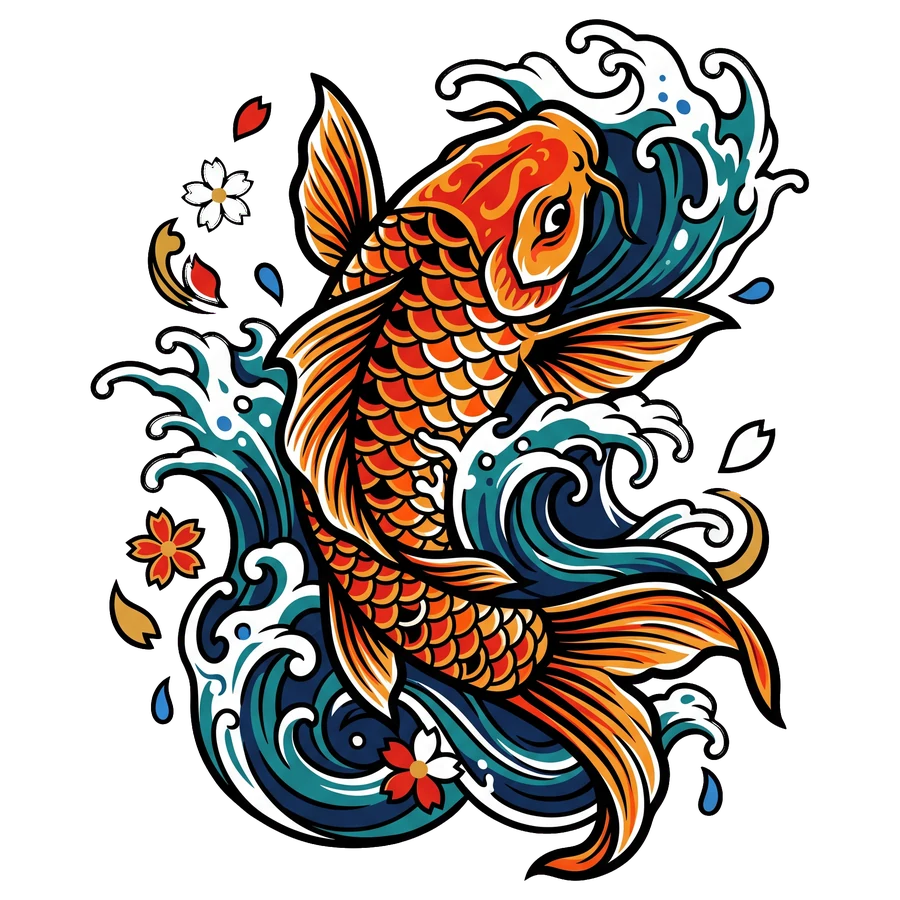
Mascot, Lettering, Badge, Vintage or Illustration. All are drawn in flat areas with hard edges.
 02Read any text in the preview letter by letter.
Models misspell, more often in long lines. A wrong preview costs nothing.
- 03Look at it on black.
The preview shows the design on a checker, on black and on white.
What is refused
Requests for realistic people or adult content are refused and use no preview.
Describe a design and see it cleaned for film.
The preview is free.
Describe your designOne sentence is enoughMake a designFree preview, no account. Pay only to download.
More guides
 The fileWhat makes a PNG DTF ready?Three things: the background is truly transparent, the edge is hard, and nothing faint is left around the art. A DTF printer puts white ink under every pixel that is not fully clear, so anything faint prints.Read the guide →The fileHow do I fix a white halo on DTF transfers?A halo is the white underbase showing past the color. It has two causes: pale or half-clear pixels at the edge of the file, and a RIP that does not pull the white in. Fix the file first, then the choke setting.Read the guide →SizeIs my artwork 300 DPI?It depends on how large you print it. Divide the pixels by the inches: a 2048 pixel file is 300 DPI at about 6.8 inches wide and 150 DPI at about 13.6 inches.Read the guide →